Your website archetype is:
The Tech Nerd
💻 Smart, resourceful, and always nerding out over systems, tools, and clever fixes.
Your style is a blend of cool professional colors, modern intelligent imagery, and clear and logical language that converts browsers into buyers.
Here’s exactly what you should do to achieve that affect.
↓
COLORS & FONTS

Your colors will reflect that smart, resourceful, but still visually approachable archetype!
Tips for your Tech Nerd Colors
Think clean and modern: Stick to cool, professional tones like deep blues, teals, and slate grays. These communicate intelligence, reliability, and precision.
Use neutrals strategically: White, light gray, or black keep the design grounded and let your tech-savvy colors shine without feeling chaotic.
Leverage contrast for clarity: High-contrast pairings make interfaces easy to read and navigate, which appeals to users who appreciate efficiency and smart design.
Incorporate subtle gradients or tech-inspired textures: Think circuit-inspired patterns, digital grids, or sleek metallics to give your palette depth and edge.
IMAGERY
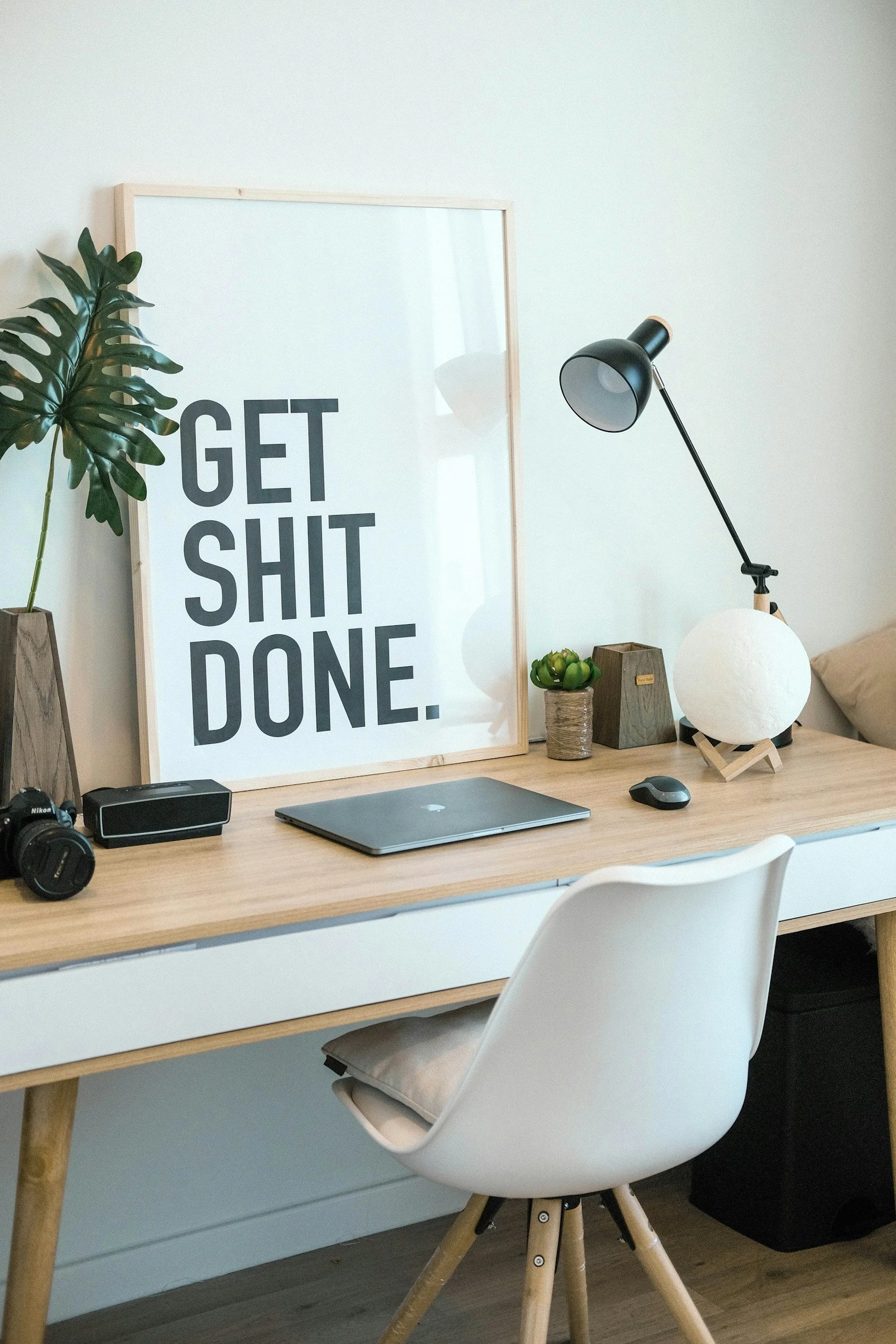
Good imagery should feel intelligent, modern, and helpful, while still approachable and human. Here’s how to find it: Search online resources like Unsplash or Pexels.
1. Highlight your audience’s love for efficiency and clever solutions. Try terms like:
“tech tools in use” “productivity setup” “digital workspace”
2. Include approachable people. Show that technology can be friendly, not intimidating. Look for:
“team collaborating,” “friendly tech support,” and “creative workspace.”
3. Look for clean, modern environments. Tech nerds love structure and clarity.
Search for: “minimalist office” “organized desk” “clean workspace with gadgets” “modern interior with tech”
COPYWRITING

The goal is to convey expertise while keeping the language clear, logical, and confidence-building. Remember, you’re providing the tech solution but your clients may not understand that verbiage.
1. Lead with clarity and logic
Your audience values efficiency and understanding. Use step-by-step explanations and clear benefits of your services or products.
2. Show expertise through helpful insights
Share tips, tools, or clever solutions that demonstrate your knowledge without overwhelming the reader.
3. Keep it approachable
Even with technical content, use friendly, conversational language that makes systems and processes feel manageable.
CALL-TO-ACTION
The Tech Nerd knows how to analyze, optimize, and deliver smart solutions. For this archetype, your Call To Actions should reflect your expertise and the practical value of your services, making it clear that taking the next step is the most efficient choice.
This works best for:
Products, services, or offerings that are well-structured, resourceful, and designed to solve problems.
“Let’s optimize your workflow”
“Get your solution set up today”
“Streamline your process now”
Pair your CTA button with a clean, modern accent color to highlight your efficiency and tech-savvy approach—making it easy and appealing for clients to take action.
Website Template
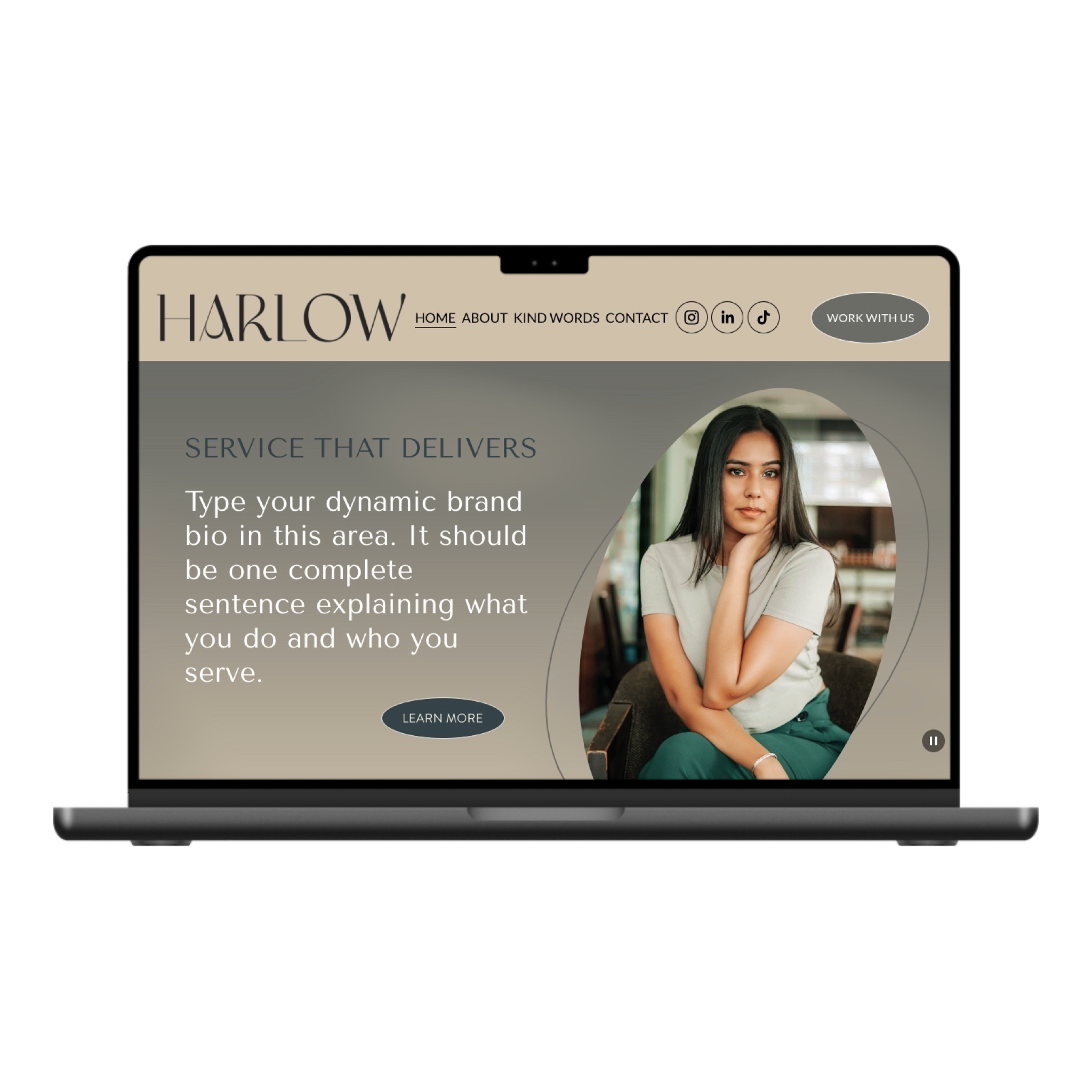
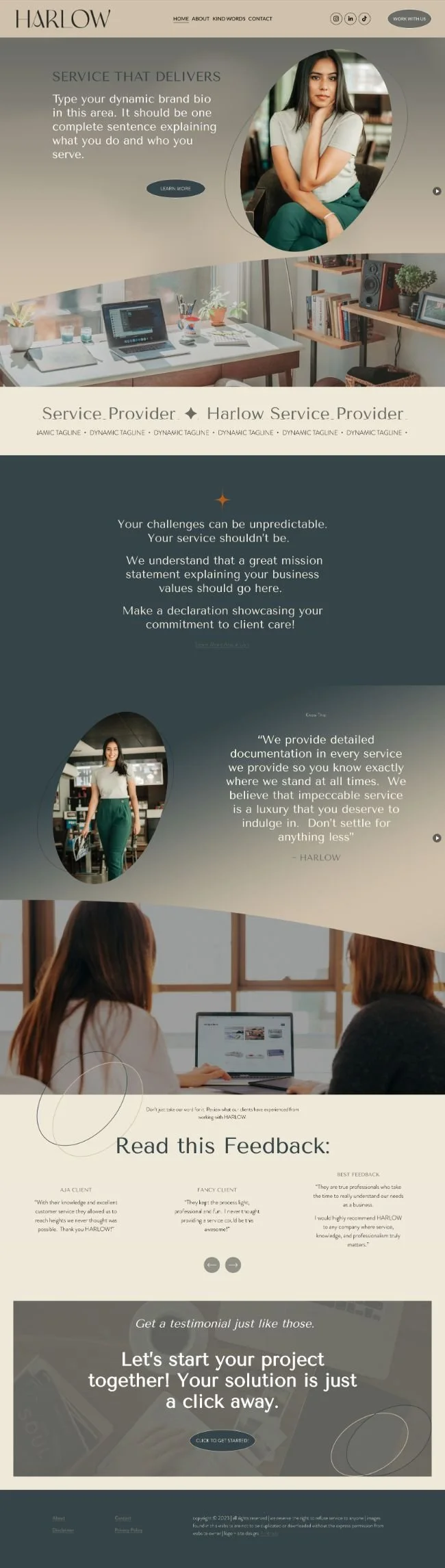
The Harlow template will achieve that “Tech Nerd” web design archetype.
Quit worrying if your DIY efforts are achieving your Tech Nerd aesthetic and allow our template to do the work FOR you! Each template comes pre-designed, with tutorials and 30 days of email support.


Curious?
Here are some questions (and answers) that we get asked all the time.
-
Think of a template like a blueprint for your website. It gives you the structure, layout, and style so you don’t have to start from scratch. You drop in your colors, fonts, images, and copy, and voilà! your bold, beautiful, scroll-stopping site is ready to go. It saves you from the headache of building everything from zero.
-
Extremely easy. If you can edit a google doc, you can edit this website! You also receive access to a resource portal and 30days of email support.
-
Templates are totally flexible! You can take the design you love and make it 100% yours. Switch up colors, fonts, images, and copy so it screams your brand, not someone else’s industry.
-
I have a Website in a Day option that perfectly suits customization of ANY template. If you’re interested in learning more about that, message me!
Need help deciding on a template?
It can be hard trying to envision exactly how your business is going to fit into a pre-designed template. Send me a message and I would be happy to help you decide which template is just right for your business needs.